TP-Link Kasa Smart Plug Mini Review: The $15 Upgrade That Makes Any Lamp Smart
Cheap, tiny, unbreakable, and it works with everything. If you buy one smart home product this year, it is probably this one.
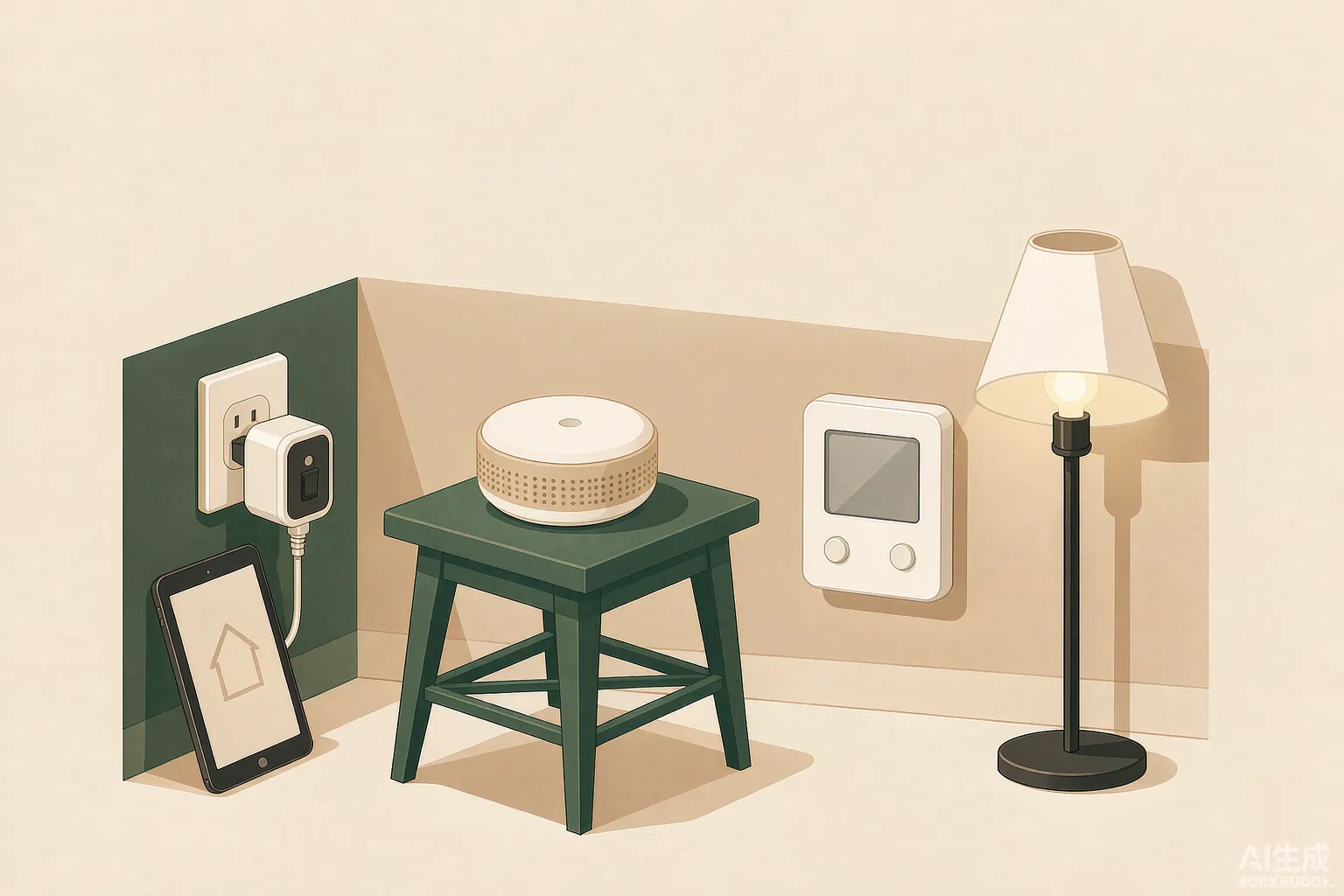
The best smart plug for almost everyone: trivial to set up, rock-solid reliability, and cheap enough to buy in a four-pack without thinking.
What we like
- Reliability that embarrasses more expensive plugs - years of missed schedules are rare
- Setup takes under two minutes with no hub
- Compact body does not block the second outlet
- Voice control with Alexa and Google Home out of the box
- Scheduling, timers, and Away mode are all free with no subscription
What we don't
- The basic HS103 has no energy monitoring (the KP125 variant does)
- 2.4 GHz Wi-Fi only
- No native Apple HomeKit on the cheapest models
The review
There is a version of the smart home that costs $2,000 and a version that costs $15. The Kasa Smart Plug Mini is the $15 version, and after years of plugs from a dozen brands clicking on and off in our test apartment, this is the one we keep coming back to and recommending to people who just want their lamp to work.
Why reliability is the whole product
A smart plug has one job: be off when you said off, on when you said on. Kasa plugs are unusual in how rarely they get this wrong. Across a long test period in a Wi-Fi-crowded apartment building, schedules fired on time and voice commands connected on the first try. Cheaper no-name plugs drift by minutes or drop off the network after a router reboot; the Kasa does not. Reliability is invisible when it works and expensive when it doesn't, which is why this $15 plug beats $8 alternatives.
Setup and daily use
Plug it in, open the Kasa app, and the plug is discovered and joined to Wi-Fi in about ninety seconds. From there it appears in Alexa and Google Home automatically. The app is plain but complete: schedules, countdown timers, sunrise and sunset triggering, and an Away mode that flicks lights on and off while you travel.
The 'Mini' matters more than it sounds. Many plugs physically block the adjacent outlet on a standard duplex receptacle. The Kasa leaves it free, which in practice doubles the value of a single wall socket.
What you give up
The basic model reports nothing about energy use. If you want to see what a space heater actually costs to run, buy the KP125 variant instead - it costs a few dollars more and adds real power monitoring. And 2.4 GHz-only Wi-Fi is a nuisance on some mesh routers, though it rarely causes problems in practice once the plug is set up.
Should you buy it
Yes. If you are unsure whether a smart home is for you, this is the correct first purchase: fifteen dollars, no hub, no subscription, and it makes an existing lamp or fan voice-controlled tonight. Read our comparison with the Amazon Smart Plug if you want a second opinion, but this is the one we keep in our own outlets.
Specifications
| Model tested | Kasa HS103 Mini; KP125 for energy monitoring |
|---|---|
| Electrical rating | 15 A / 1800 W |
| Connectivity | Wi-Fi 2.4 GHz |
| Hub required | No |
| Voice control | Alexa, Google Assistant |
| Size | Fits standard duplex outlet without overlap |
| Price | Roughly $12-$15 each; four-packs common |
Buy it if
Anyone starting a smart home, renting, or wanting to automate lamps, fans, coffee makers, and holiday lights without a hub or a subscription.
Skip it if
HomeKit-first households, or anyone who needs energy monitoring at the lowest possible price - get the KP125 variant instead.
Frequently asked questions
Does the Kasa Smart Plug Mini need a hub?
No. It connects directly to your 2.4 GHz Wi-Fi network and is controlled by the Kasa app or by voice through Alexa or Google Home.
Can it measure energy usage?
The basic HS103 cannot. The Kasa KP125 Mini variant adds real-time power monitoring for a few dollars more.
Will it work during a Wi-Fi outage?
The relay keeps its last state, and schedules resume automatically when the network returns, but you cannot control it remotely while your internet is down.